Sinking Funds Tracker
Car repairs, holidays and annual subscriptions aren't emergencies; you know they're coming. A sinking fund spreads the cost over the months before, so it doesn't wreck your budget.
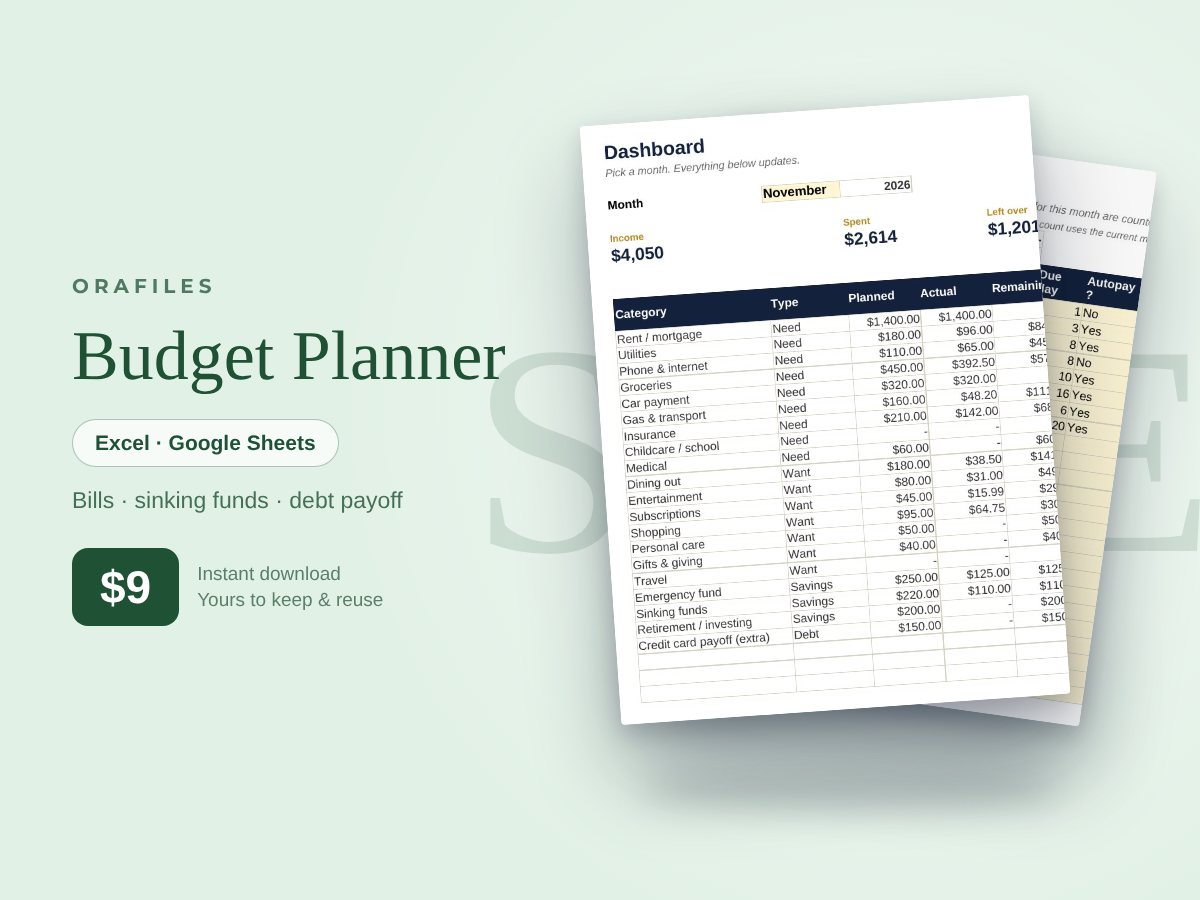
Budget Planner: Bills, Sinking Funds & Debt Payoff
Excel / Google Sheets (.xlsx) · $9 · one-time
Good to know before you buy
- •Opens in Excel, Google Sheets (free) or Apple Numbers. Easiest to set up on a computer.
- •Debt payoff dates are estimates using a fixed APR and payment. This is a planning tool, not financial advice.
- •Digital download. Nothing is shipped. You get the file right after checkout and by email.
- •Sales are final because files are delivered instantly, but if a file is broken or not as described, we'll fix it or refund you within 14 days. Details
How it works
- •Name each fund, set a goal and a target date
- •Log deposits (or withdrawals) as you go
- •See saved so far, still needed and months left
- •Get the exact amount to save per month for each fund
What you get
- ✓Monthly budget plan with a 50/30/20 check and 'left to assign'
- ✓Dashboard: pick a month, see planned vs. actual and a year overview
- ✓Transaction log with category dropdowns
- ✓Bill tracker: 12-month paid checklist, next due date, unpaid count
- ✓Sinking funds: goals, target dates and how much to save per month
- ✓Debt payoff: months to pay off, interest cost, snowball and avalanche order
- ✓Works in Excel, Google Sheets and Numbers, no macros, no bank login
Frequently asked questions
What should I make a sinking fund for?
Common ones: car repairs and registration, holidays and gifts, vacations, annual subscriptions, medical copays, home maintenance and back-to-school.