Wedding Budget Spreadsheet
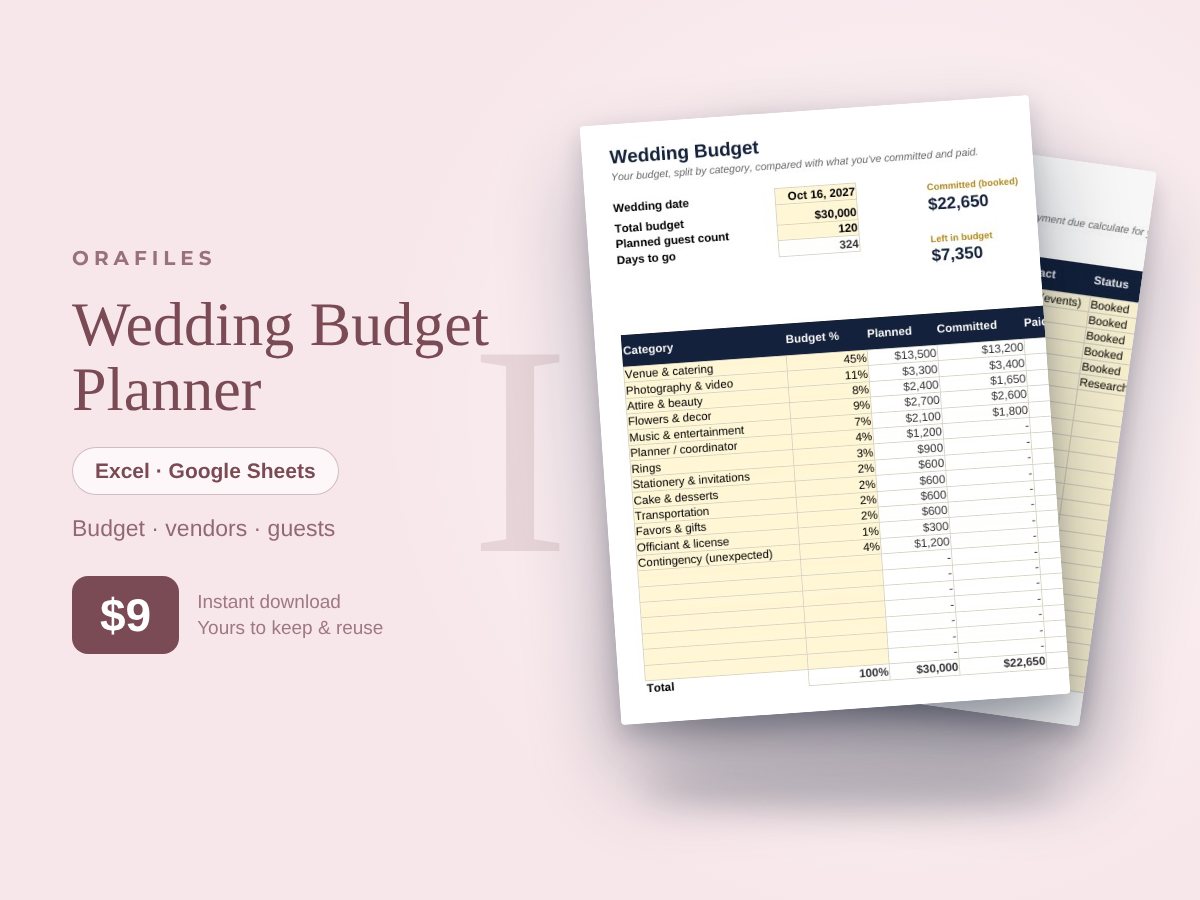
Most couples don't overspend on one big thing; it's dozens of deposits, add-ons and 'small' upgrades. This wedding budget spreadsheet splits your total across categories, tracks what you've booked and paid, and shows exactly what's left, so you see a problem while you can still fix it.
Wedding Budget Planner & Guest List
Excel / Google Sheets (.xlsx) · $9 · one-time
Good to know before you buy
- •Opens in Excel, Google Sheets (free) or Apple Numbers. Easiest to set up on a computer.
- •The starting budget split is a common rule of thumb. Change it to fit your priorities.
- •Digital download. Nothing is shipped. You get the file right after checkout and by email.
- •Sales are final because files are delivered instantly, but if a file is broken or not as described, we'll fix it or refund you within 14 days. Details
What it tracks
- •Planned vs. booked vs. paid for each category
- •Every vendor's quote, deposit, final payment and due dates
- •Your next payment due, with alerts 14 days ahead
- •Cost per guest and money left in your budget
Tips for setting a wedding budget
- •Decide who's contributing and how much before you book anything
- •Set your guest count early: it drives venue and catering, usually the biggest costs
- •Keep a contingency line for the unexpected
- •Ask every vendor what's included, plus tax, service fees and gratuity
What you get
- ✓Budget split across 13 categories, planned vs. booked vs. paid
- ✓Vendor tracker: quotes, deposits, balances and due dates
- ✓Next payment due, with alerts for payments due in 14 days or overdue
- ✓Cost per guest and money left in your budget
- ✓Guest list: RSVPs, meal counts, dietary needs, gifts and thank-you notes
- ✓40-task checklist dated from your wedding date
- ✓Works in Excel, Google Sheets and Numbers, no macros
Frequently asked questions
How should I split my wedding budget?
Venue and catering usually take the largest share. The planner starts with a common split you can change to fit what matters most to you.
Can my partner and I both use it?
Yes. Open it in Google Sheets and share it, and you'll both see the same numbers.