Online Store Social Media Content Calendar
Not sure what to post for your online store? Your customers (online shoppers) want to see results, tips and proof you're the right pick. This calendar gives you 30 days of posts written for your industry, with your city filled in, so you open it and start filming.
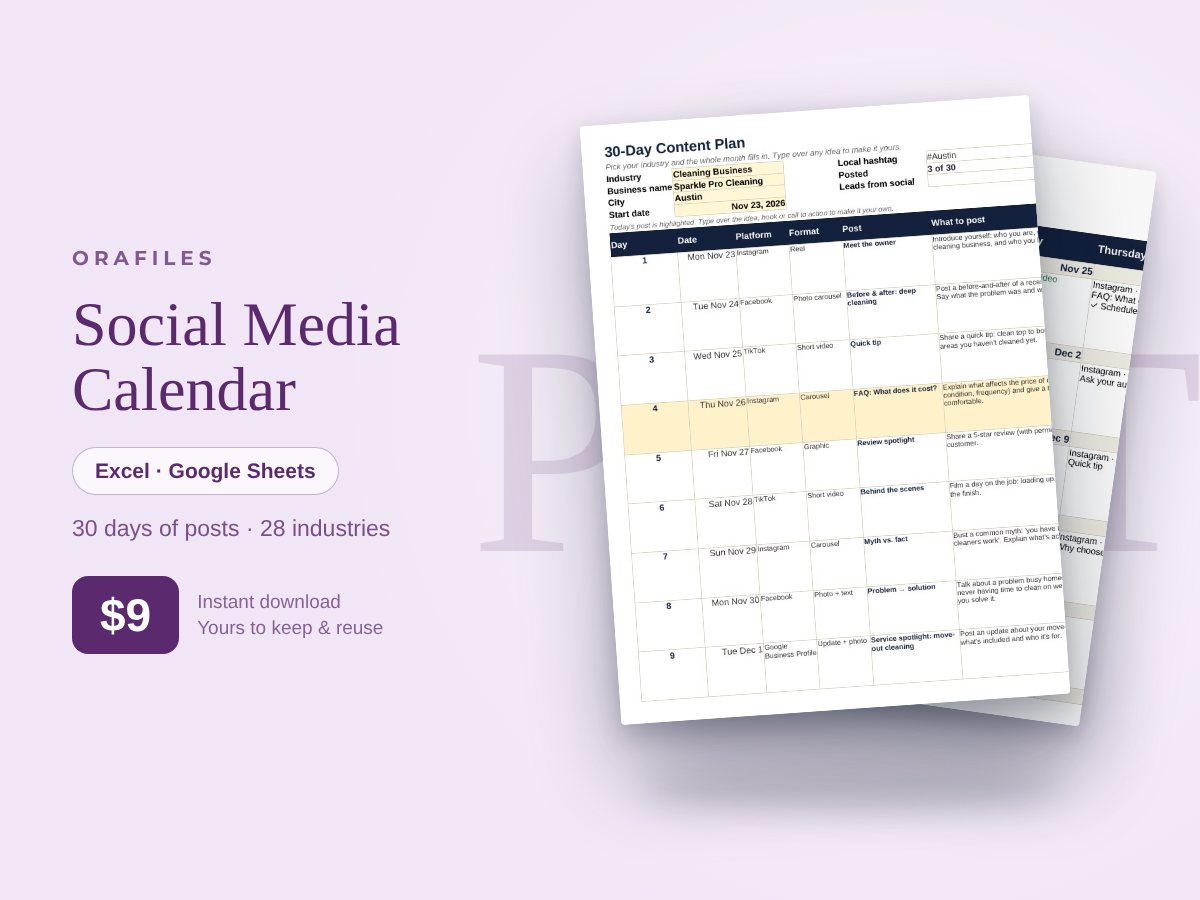
Social Media Content Calendar (30 Days of Posts, 28 Industries)
Excel / Google Sheets (.xlsx) · $9 · one-time
Good to know before you buy
- •Opens in Excel, Google Sheets (free) or Apple Numbers. Easiest to set up on a computer.
- •Post ideas are starting points. Only share customer photos, reviews and stories with their permission.
- •Digital download. Nothing is shipped. You get the file right after checkout and by email.
- •Sales are final because files are delivered instantly, but if a file is broken or not as described, we'll fix it or refund you within 14 days. Details
Online Store post ideas that work
- •Before and afters of your best-selling product
- •Tips your customers can use: show the product in use, not just on a white background
- •Answering the question everyone asks about your best-selling product
- •Problem → solution posts about not finding the right gift
- •Reviews, customer stories and behind-the-scenes clips
- •Offers and booking reminders that turn followers into customers
Starter hashtags
- •#smallbusiness #shopsmall #onlineshop #giftideas #tiktokmademebuyit + your city
Week 1 for a online store
The first 7 of 30 days, straight from the calendar.
| Day | Where | Post |
|---|---|---|
| 1 | Instagram Reel | Meet the owner Introduce yourself: who you are, why you started your online store, and who you help in your city. |
| 2 | Facebook Photo carousel | Product spotlight Show your best seller in use, with 3 reasons people love it. |
| 3 | TikTok Short video | Quick tip Share a quick tip: show the product in use, not just on a white background. |
| 4 | Instagram Carousel | FAQ: Shipping & returns Answer shipping times, costs and your return policy in plain words. |
| 5 | Facebook Graphic | Review spotlight Share a 5-star review (with permission) and thank the customer. |
| 6 | TikTok Short video | Behind the scenes Film a day on the job: loading up, arriving, the work, the finish. |
| 7 | Instagram Carousel | Myth vs. fact Bust a common myth: 'small online shops are riskier than big retailers'. Explain what's actually true. |
What you get
- ✓840 post ideas: 30 days for each of 28 industries
- ✓Each post: platform, format, what to post, hook, call to action, hashtags
- ✓Your city and business name filled in automatically
- ✓Status tracking: Idea, Drafted, Scheduled, Posted
- ✓Printable monthly calendar view
- ✓Results by platform and format: views, likes, comments and leads
- ✓Works in Excel, Google Sheets and Numbers, no macros
Frequently asked questions
How often should a online store post on social media?
Consistency beats volume. Many small businesses do well with 3-5 posts a week. The calendar gives you one idea a day so you can choose.
Which platforms are included?
Instagram, Facebook, TikTok and your Google Business Profile. Google posts and photos help with local search too.
Do I get the other industries too?
Yes. All 28 industries are in the file. Switch the dropdown any time for fresh angles.